The Great Little Printer
"The Great Little Printer" (GLP) is not merely subjective praise for a particular computer printer. It's the actual name of a dot matrix printer from the 1980s manufactured jointly by Centronics and Brother and licensed to several other companies. While Centronics marketed the printer under the "Great Little Printer" name, Brother and the OEM manufacturers used their own model numbers.
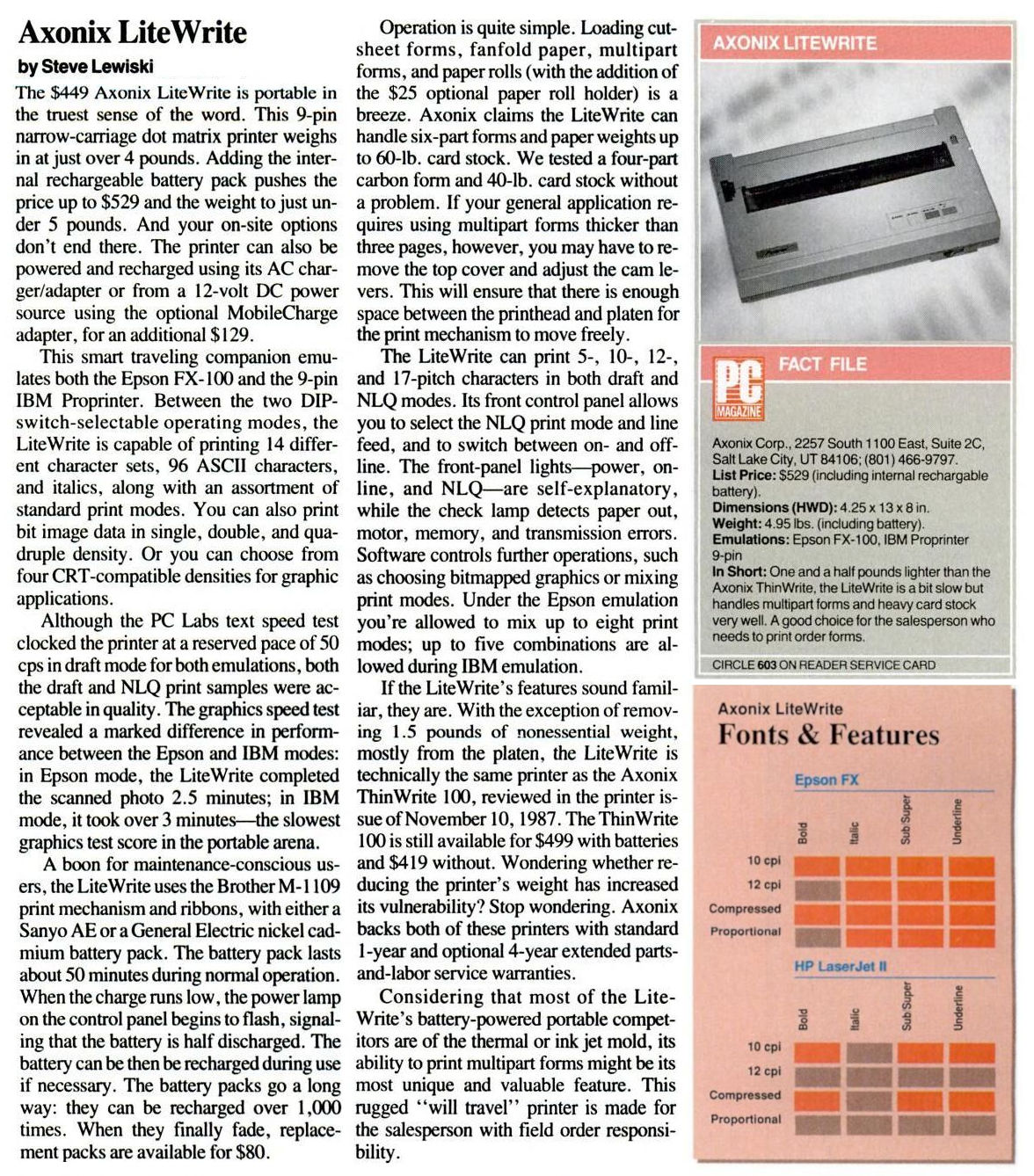
Special thanks to Bernd from Flensburg for supplying extra information — especially on the Axonix LiteWrite.
Version 1
The first version of the GLP has a single bank of configuration switches and except for the Schneider NLQ401 it has no options for Near Letter Quality (NLQ) printing.
| Model |
Details |
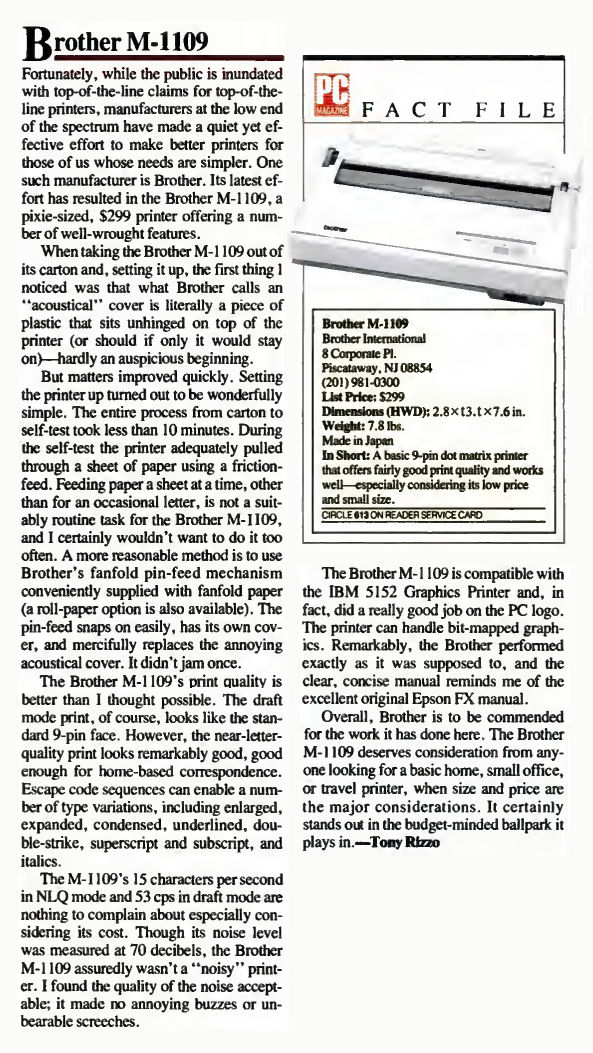
| Brother M-1009 |
Marketed for the Fujitsu FM in Japan.
Won an iF Design Award in 1985. |
| Brother M-1009X |
For MSX computers. |
| Centronics Great Little Printer GLP (3101) |
|
| Commodore MPS-803 (beige) |
Different body, controls, and ports but same mechanism. |
| Commodore MPS-803 (gray) |
Identical to the beige edition. |
| Schneider NLQ401 |
The only version 1 model with NLQ printing. |
| Yamaha PN-101 |
For MSX computers. |
Version 2
The second version of the GLP has two banks of configuration switches and an extra control panel LED to indicate NLQ mode.
Version 3 (?)
Is there a third version of the GLP? The only clue is the mention of a GLP 3103 following the GLP 3101 (v1) and GLP 3102 (v2). Also, Brother had a series of 24-pin matrix printers that could very well look like successors to the M-1109. At this point however, any third version of the GLP is purely speculation. More information on this subject is needed.
| Model |
Details |
| Brother M-1024 |
|
| Brother M-1024X |
|
| Brother M-1024IIP/X |
|
| Brother M-1209 |
|
| Brother M-1209X |
|
| Brother M-1224 |
|
| Brother M-1224X |
|
| Centronics Great Little Printer GLP III (3103) |
|
Thermal Versions
The thermal versions of the Great Little Printer shares the design language but no mechanical parts with the matrix versions.
Other Versions
The following printers are often mentioned when searching for ink ribbons for the Great Little Printer but their existence and their potential family ties to the GLP has yet to be confirmed. More information and photos are needed.
| Model |
| Apricot ACT Writer 9 |
| Axiom SCP-CD |
| Axiom SLP |
| Axiom SLP-CD |
| Axiom TwinWriter (Axonix?) |
| Brother DM 5 |
| Dynax DM 5 |
| Fargo SP 2000 |
| Fortis DM 5 |
| Genicom 2412 |
| Sanyo Micron 3101 |
| Stafford Matrix Portable |
| Syntrex Syndot 100 |
| Taxan A 109 |
Version 2 Configuration
The two banks of DIP switches in version 2 of the GLP is configured thus:
Bank 1
| Switch |
Description |
ON |
OFF |
Default |
| 1-1 |
Interface mode and parity |
See table 1 |
ON |
| 1-2 |
| 1-3 |
X-ON/X-OFF (1) |
Transmit |
Not transmit |
ON |
| 1-4 |
Baud rate |
See table 2 |
OFF |
| 1-5 |
OFF |
| 1-6 |
ON |
| 1-7 |
Character code level |
8 bit |
7 bit |
ON |
| 1-8 |
Not used |
ON |
| 1-9 |
1″ skip perforation |
Yes |
No |
OFF |
| 1-10 |
Print mode default |
NLQ |
Draft |
OFF |
- The mode selected by SW1-3 for the X-ON/OFF line does not affect any of the signal lines except X-ON/X-OFF. The X-ON signal triggers at power-up when the printer is ready to receive data.
Table 1 : Interface Mode and Parity
| Switch |
Parallel |
Serial (no parity) |
Serial (odd parity) |
Serial (even parity) |
| 1-1 |
ON |
OFF |
ON |
OFF |
| 1-2 |
ON |
ON |
OFF |
OFF |
Table 2 : Baud Rate
| Switch |
110 |
150 |
300 |
600 |
1200 (default)
| 2400 |
4800 |
9600 |
| 1-4 |
OFF |
ON |
OFF |
ON |
OFF |
ON |
OFF |
ON |
| 1-5 |
OFF |
OFF |
ON |
ON |
OFF |
OFF |
ON |
ON |
| 1-6 |
OFF |
OFF |
OFF |
OFF |
ON |
ON |
ON |
ON |
Bank 2 in Mode 1 (Epson FX-100) (default)
| Switch |
Description |
ON |
OFF |
Default |
| 2-1 |
Form length |
11″ |
12″ |
ON |
| 2-2 |
Printer mode |
1: Epson FX-100 |
2: IBM Proprinter |
ON |
| 2-3 |
National character |
See table 3 |
OFF (1) |
| 2-4 |
OFF |
| 2-5 |
OFF |
| 2-6 |
Slashed/unslashed zero |
with slash |
without slash |
ON |
| 2-7 (2) |
Data buffer |
Parallel |
With data buffer |
Without data buffer |
ON |
| Serial |
X-ON: 153 bytes |
X-OFF: 1936 bytes |
| 2-8 |
Not used |
ON |
| 2-9 (3) |
CR (AUTO FEED XT) |
Print with LF |
Print without LF |
OFF |
| 2-10 (4) |
SLCT IN |
Fixed |
Not fixed |
ON |
Table 3 : National Character Sets
| Switch |
USA |
England I |
Germany |
France |
England II |
Sweden |
Italy |
Spain |
| 2-3 |
OFF |
ON |
OFF |
ON |
OFF |
ON |
OFF |
ON |
| 2-4 |
OFF |
OFF |
ON |
ON |
OFF |
OFF |
ON |
ON |
| 2-5 |
OFF |
OFF |
OFF |
OFF |
ON |
ON |
ON |
ON |
Bank 2 in Mode 2 (IBM Proprinter)
| Switch |
Description
| ON |
OFF |
Default |
| 2-1 |
Form length |
11″ |
12″ |
ON |
| 2-2 |
Printer mode |
1: Epson FX-100 |
2: IBM Proprinter |
ON |
| 2-3 |
Character set |
Character set 1 |
Character set 2 |
|
| 2-4 |
CAN |
Active |
Inactive |
|
| 2-5 |
LF amount |
1/8″ |
1/6″ |
|
| 2-6 |
Data buffer full print |
with LF |
without LF |
|
| 2-7 (2) |
Data buffer |
Parallel |
With data buffer |
Without data buffer |
ON |
| Serial |
X-ON: 153 bytes |
X-OFF: 1936 bytes |
| 2-8 |
Not used |
ON |
| 2-9 (3) |
CR (AUTO FEED XT) |
Print with LF |
Print without LF |
OFF |
| 2-10 (4) |
SLCT IN |
Fixed |
Not fixed |
ON |
- For printers in all countries except the U.S., SW2-3 is ON.
- When using the serial interface, SW2-7 controls the transmission of the X-ON signal. If SW2-7 is ON, X-ON is transmitted when the data buffer is 153 bytes or less due to the data transfer to the print buffer; if it is OFF, X-ON is transmitted if the data buffer is 1936 bytes or less.
- When using the parallel port, AUTO FEED XT high or low functionally corresponds to setting SW2-9 to ON or OPEN respectively. However, if SW2-9 is ON and AUTO FEED XT is high, or SW2-9 is OFF and AUTO FEED XT is low, the printer will print with line feed upon receipt of the CR code.
- When SW2-10 is ON, the printer can receive data provided it is online. If it is in the offline state, it goes into the BUSY state. If SW2-10 is OFF and SCLT IN is low, the printer can receive data provided it is online; if it is offline, it initially goes to BUSY.
Configuration for Parallel Port Epson FX-100 Emulation
| Bank 2 |
Bank 1 |
| Switch |
2-10 |
2-9 |
2-8 |
2-7 |
2-6 |
2-5 |
2-4 |
2-3 |
2-2 |
2-1 |
Switch |
1-10 |
1-9 |
1-8 |
1-7 |
1-6 |
1-5 |
1-4 |
1-3 |
1-2 |
1-1 |
| Position |
↓ON |
↑OFF |
↓ON |
↑OFF |
↓ON |
↑OFF |
↑OFF |
↑OFF |
↓ON |
↓ON |
Position |
↑OFF |
↑OFF |
↓ON |
↓ON |
↓ON |
↑OFF |
↑OFF |
↓ON |
↓ON |
↓ON |